
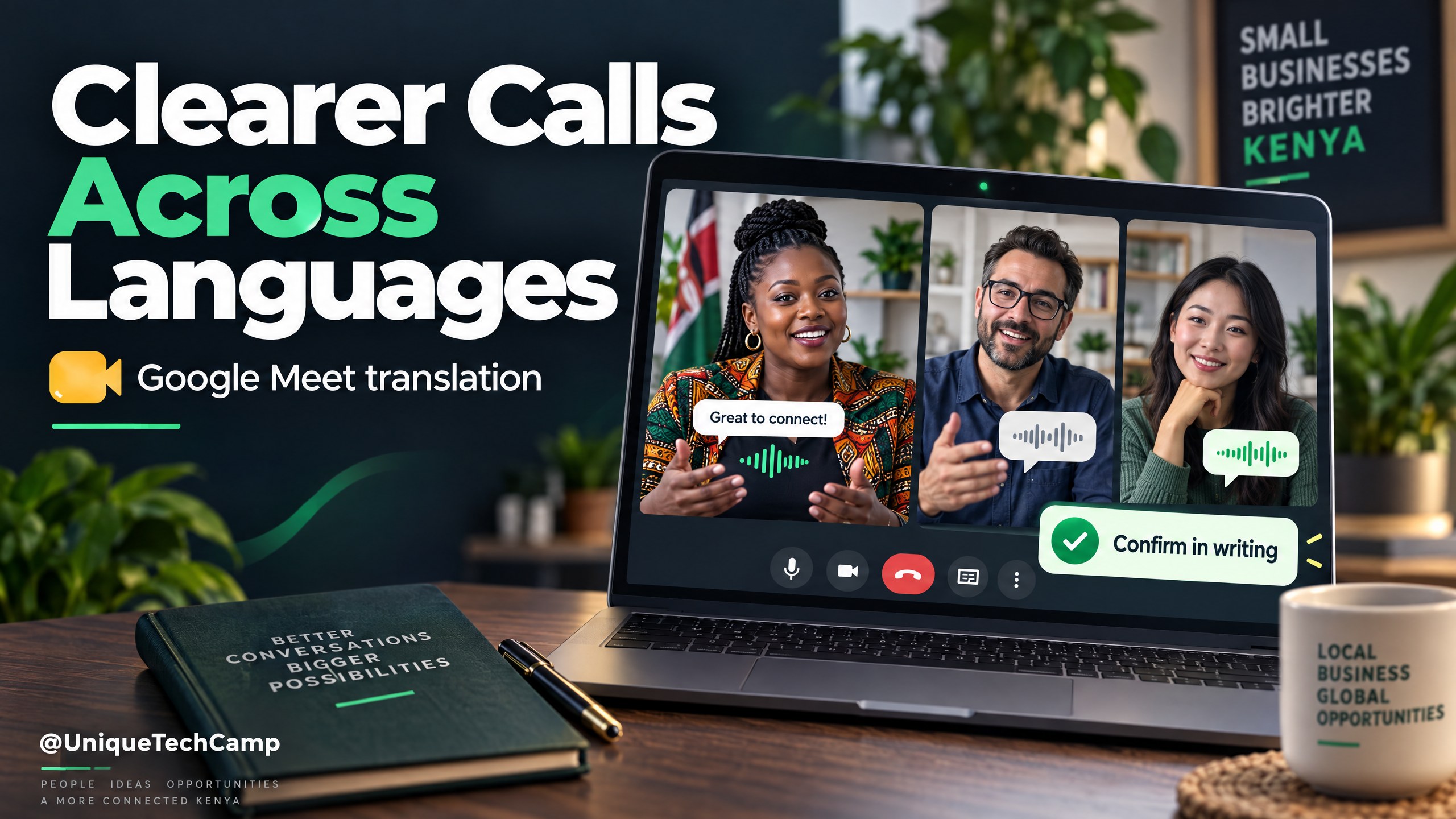
A potential overseas client understands your service, but the discovery call keeps slowing down over language. Your Nairobi team repeats a delivery question, somebody interprets informally, and the follow-up email still leaves uncertainty about what was agreed. Google Meet speech translation ↗ offers a useful way to test clearer live conversations. It does not remove the need for a shared brief, a competent reviewer or written agreement.
Google’s 22 October 2026 announcement expands this existing feature to 63 languages, with automatic language detection and individual listening preferences. For Kenyan and East African businesses serving international clients, the practical question is not whether an AI voice sounds impressive. It is whether both sides can leave a low-risk call with the same understanding of the next step.
What is new, and what should you check first?
This is an expansion of speech translation, not the first launch of Google Meet or AI interpreting. The update replaces a meeting-wide language-pair configuration with individual controls. Participants can hear translated speech in their preferred language, while Meet detects the language being spoken. Captions can match the translated audio. Web, Android and iOS are included in the announcement, although mobile users need an updated Meet app.
Rollout timing matters. Rapid Release domains started receiving the update on 22 October, with Google describing one to three days for visibility. Scheduled Release domains start on 2 November, with up to 15 days for visibility. On 23 October, it would therefore be misleading to promise that every eligible Kenyan account already has the new interface.
The eligible list includes Workspace Business Standard and Plus, Enterprise Standard and Plus, Frontline Plus, Google AI Pro and Ultra, and specified education or AI add-ons. Business Starter is not on that announcement’s list. In a scheduled meeting, the organiser needs an eligible plan; guests from other domains can then participate. In a direct call, either participant having an eligible plan can enable access for both.
Do not turn “63 languages” into an unverified English–Swahili promise. Check the actual language choices and test the combination your customer needs. Regional and age restrictions also apply. A translated-caption language list, a developer model’s language coverage and the speech-translation options in your Meet account are not interchangeable evidence.
Choose one commercially useful, low-risk conversation
Start with a discovery call, a product demonstration or an early supplier discussion. A Kenyan design studio might explain its project process to a prospective client. A retailer might clarify a supplier’s packaging options. A training provider might answer administrative questions from an overseas organisation. In each case, the translation supports conversation; the responsible staff member still checks facts and approves commitments.
Do not begin with contract negotiation, a payment dispute, medical advice, sensitive staff matters or safety-critical instructions. Those situations can need a qualified interpreter and specialist review. Even a confident translation can alter a negative, a unit, a deadline or the distinction between a suggestion and an agreement.
Define success before testing. A sensible outcome is that both participants correctly identify the requirement, the unresolved question, the person responsible and the next action. More calls, a longer meeting or a fluent synthetic voice are not proof of better lead quality. Income remains a possibility if the wider offer and follow-up work; translation alone cannot promise sales.
A practical client-call workflow
1. Confirm access with a rehearsal
Use the account that will organise the customer meeting, not a colleague’s unrelated account. Ask your administrator whether Gemini for Meet and speech translation are permitted. Test the same laptop or phone, headset and network that staff will use. Check whether the new individual controls appear and whether the required languages are actually available.
Invite a bilingual colleague to act as the other participant. Include business names, Kenyan place names, quantities, dates, exclusions and an explicit “not included”. Ask the reviewer to record changed meaning, missing words and confusing delays. If the feature is missing or unreliable, use a shared written brief or arrange an interpreter instead of experimenting on a customer.
2. Prepare a short shared brief
Before the call, send the agenda, approved product or service names, relevant drawings or screenshots, and the questions that need answering. Separate fixed facts from items still subject to confirmation. Avoid uploading unrelated client documents merely because they might help the conversation.
Give the call a limited purpose: understand the requirement and agree the next review step. Keep a small glossary for terms such as delivery zone, installation, deposit, warranty and acceptance. Where a word has several meanings, put the intended meaning in plain text. A visible drawing or specification is often more useful than repeating a technical term louder.
3. Explain translation and let people choose
At the start, say that AI speech translation may be used and that errors or a short delay are possible. Ask participants whether they are comfortable with their speech being translated. Explain the alternative: slower conversation, written questions or a human interpreter. Do not treat joining the call as permission for every other recording or processing activity.
The current English Google Meet speech-translation instructions ↗ describe hovering over the captions and translation control, selecting Translate speech, choosing the language to hear, and selecting Translate me to allow others to hear a translation of your speech. Each listener must enable the feature. Labels can differ while rollout continues; follow the controls actually shown in the tested account.
4. Speak for understanding, not speed
Use short sentences and one speaker at a time. Pause long enough for the translated speech to finish before answering. Avoid stacking several questions into one sentence, idioms, jokes that depend on language, or unfamiliar abbreviations. Rephrase when a participant looks uncertain instead of assuming silence means agreement.
Put critical details in the meeting chat or shared brief as well as saying them aloud. Confirm the currency, unit, tax treatment, delivery location and date format separately when discussing commercial terms. Ask the other person to explain the next step in their own words. A polite “yes” is a weak acceptance test if neither side knows precisely what it acknowledges.
5. Produce a human-checked follow-up
Assign one staff member to maintain an action log during the call. Capture the requirement, open questions, owner, due date and evidence needed. Mark uncertain wording for review. Do not assume speech translation creates a dependable transcript, translated recording or automatic CRM update: those are separate capabilities and processes.
Afterwards, send a concise written summary in a language the recipient can review competently. Have a bilingual person check important wording where necessary. Ask the customer to confirm or correct the summary before issuing a final quotation or committing delivery capacity. Store only the information your team needs, with appropriate access controls.
A useful mid-project role for UniqueTechCamp ↗ is to map the handoff from enquiry to call, approved summary and named follow-up owner. Keep translation inside that accountable workflow rather than treating it as an autonomous salesperson.
An illustrative enquiry-to-quote handoff
Imagine a Nairobi supplier discussing branded packaging with a prospective overseas buyer. This is a planning example, not a reported customer result. The salesperson shows two approved packaging samples and asks which product each will hold. A bilingual reviewer checks the translation of material, size and printing terminology during the rehearsal. The buyer’s preferred language must be available in the actual account before the live call is confirmed.
During the conversation, the buyer asks whether delivery includes the destination’s import charges. The salesperson does not let a fluent translation become an accidental promise. They put the question in the shared action log, identify who must verify the delivery terms, and explain that the quotation will distinguish included work from exclusions. The follow-up contains the sample selected, the quantity still to confirm and the next approval step.
The useful test is whether the buyer corrects or confirms that summary and whether staff can prepare an accurate quotation. If the buyer misunderstood an exclusion, the team fixes the language before sending a commercial document. That correction is evidence of a necessary control, not a failure to be hidden behind an impressive demonstration.
What does it cost in practice?
The live Google Workspace pricing page ↗ lists Business Standard’s standard annual-commitment price as US$14 per user per month, billed monthly and excluding tax. This is a USD reference, not a Kenyan quotation. The page also displays promotional offers with separate conditions; do not build a budget around a headline discount without checking the final checkout terms.
Check whether an existing eligible subscription already covers the organiser before buying anything. Confirm billing currency, tax, exchange charges, commitment length, renewal terms and the actual account’s feature availability. Guest access in an eligible organised meeting does not mean your entire organisation can host equivalent meetings without the appropriate licences.
Add the operational costs: a suitable headset, reliable connectivity, administrator setup, staff rehearsal, bilingual quality checks and preparation of written follow-up. If meetings are infrequent, a qualified interpreter for important discussions may be more appropriate than upgrading a whole team. Request a scoped implementation quote separately; this article does not assign an invented local build price.
Limits, privacy and ethical safeguards
Google states that eligible base Workspace and Google AI Pro plans have up to 90 minutes of speech translation per meeting. Certain higher-access plans extend that to eight hours. Meeting length and translation allowance are different limits: do not plan a longer workshop solely from the maximum duration of the video meeting.
The announcement excludes live streams, meeting recordings, client-side encrypted meetings, dial-in and third-party interoperability calls, and adaptive-audio scenarios. Meet room hardware can play translations from remote participants, but speech originating from the room hardware is not translated for others. Test the room configuration, not just the presenter’s personal laptop.
The English help page warns that real-time translation can contain grammatical or meaning errors, unintelligible words, unexpected accents and inconsistent voice style. Poor connectivity can reduce quality. A natural-sounding voice is not evidence that an amount, product specification or promise was interpreted correctly.
For this feature, Google says no audio is saved and models are not trained on your voice. That is not a blanket statement about every meeting tool, separate recording, chat message, note-taking feature or connected service. Google’s Meet security and privacy guidance ↗ is a starting point for reviewing the wider setup. Do not switch off a required security control merely to make translation work.
Set a clear purpose, explain the processing, minimise personal information and restrict access to your action log. Review vendor arrangements, retention and cross-border handling with the person responsible for privacy. Obtain qualified advice where legal obligations or sensitive information are involved. Do not claim that a product setting alone makes your business compliant with Kenyan data-protection requirements.
Measure the pilot before expanding it
Choose a short pilot period and compare similar conversations, not unrelated customers. Keep a simple register of language combination, device, call purpose, translation problems, clarification rounds, preparation time and follow-up completion. Record whether the customer confirmed the written summary and whether an appropriate next step actually happened.
Review commercial outcomes separately: qualified opportunities, quotations requested, proposals accepted and work won. Note other influences such as pricing, seasonality, lead source and staff availability. A small pilot cannot isolate translation as the cause of a sale, but it can reveal whether misunderstandings or review effort make the workflow unsuitable.
Expand only when staff can recognise failure and use the fallback without embarrassment. Stop a call’s translation when meaning becomes unreliable. Keep human interpreting available for high-stakes work and preserve the customer’s choice not to use the feature.
Frequently asked questions
Is Google Meet speech translation a new product?
No. The 22 October update expands an existing feature to more languages and introduces automatic detection and individual controls. Availability depends on the rollout, plan, administrator settings and restrictions.
Can I promise English–Swahili translation to customers?
Not from a headline language count. Check the exact speech-translation choices in the organiser’s account and test that combination with a competent bilingual reviewer. Do not substitute a captions or developer-model language list.
Does every guest need a paid subscription?
Google says guests can use speech translation in a meeting organised by an eligible user. Direct calls have a different access rule: at least one participant needs an eligible plan. Verify the host’s actual setup before inviting customers.
Can the translated call replace a quotation or interpreter?
No. Confirm scope, figures and commitments in writing. Use qualified interpreting and specialist review where consequences are significant. Translation can support a low-risk conversation; it does not approve the business decision.
Conclusion
The strongest use of Google Meet speech translation is a clearer conversation followed by a checked written handoff. Start with one eligible organiser, one tested language combination and one low-risk customer journey. Keep responsibility for meaning, commercial commitments and privacy with people.
Need this built for your business?
Bring one real enquiry-to-call journey, your account plan, the languages customers request and an example follow-up to UniqueTechCamp’s AI Solutions Desk ↗. Business owners can explore the workflow automation service ↗ and book a consultation ↗ to scope a pilot with human approval, a fallback and measurable follow-up. The next step is a realistic workflow decision, not a promise of more revenue.




UniqueTechCamp Desk
Online • Reply < 5 mins