
Descript Underlord: Turn One Approved Demo into Human-Checked Sales Clips
Turn one approved product demo into AI-assisted sales-clip candidates, then human-check every claim, caption, context and enquiry signal.
UniqueTechCamp Editorial
Lead Systems Architect • UniqueTechCamp Engineering Unit
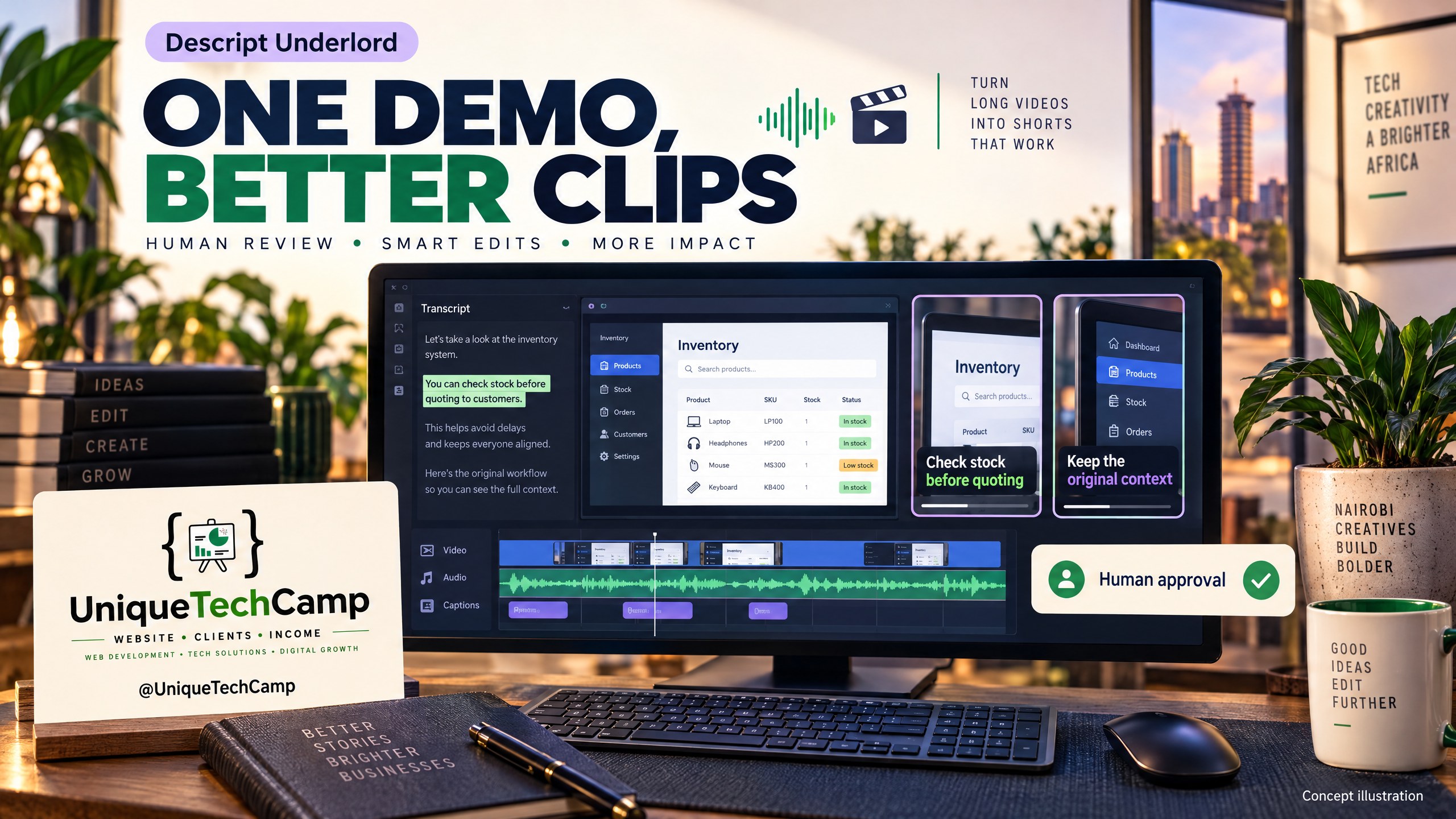
Visual note: This is an AI-generated concept illustration, not an authentic Descript screenshot and not an actual client result.
A Nairobi software SME may already have the most valuable sales asset it needs: one clear, approved demonstration of its product. The problem is not always producing another webinar. It is turning that source recording into several useful moments without silently changing what the product does, inventing proof, or publishing a confident-looking mistake.
This guide treats Descript Underlord as an AI-assisted co-editor, not an autonomous marketing department. The safe sequence is one approved original demo, candidate clips, then human checks for claims, context, captions, music and brand. Only after that should a business attach a qualified-enquiry question and measure what happened. This is a practical workflow for a hypothetical Nairobi product or software SME selling to regional or global buyers; it is not a customer case study, earnings advice or a guarantee of leads.
Underlord is not a brand-new 2026 product name. Descript’s 4 June 2024 Season 6 release notes already used it for a collection of AI tools. That does not make the historical version identical to today’s co-editor, which the current help page labels Beta. This guide evaluates the current documented experience, not a fresh launch. Check the live account, workspace and terms before planning a production run.
The problem: one demo contains proof, context and risk
Consider a hypothetical Nairobi SaaS company showing a procurement dashboard to overseas distributors. The approved recording explains a workflow, names a few screens and describes who the product is for. A sales team wants short vertical clips for LinkedIn, Instagram or a follow-up email. Cutting the recording into highlights sounds simple, but a short clip can remove the sentence that qualified a claim or the screen that gave it context.
A candidate saying “automates approvals” might really have said “helps teams automate selected approval steps after configuration”. A number may refer to a test scenario, not a customer benchmark. A caption can turn “can” into “can’t” or mis-spell a proper name. A jump cut can make a sequence look like a live product capability when the demo used prepared data. These are not cosmetic errors: they can create an enquiry from the wrong expectation.
The business objective is therefore not maximum clip volume. It is a small, reviewable set of clips that accurately invite the right buyer to ask a sensible next question. Keep the original file read-only, record its approval owner and date, and decide which product statements are safe to repeat before opening the editor.
What Underlord and Descript can do now
The current official Underlord beta guide says the co-editor can work from a project to edit video, add captions, translate content and search the public web. Its examples include splitting a recording into clips, choosing a duration range and reformatting for vertical video. Those examples show possible instructions, not a promise that every account, model or project will execute every action identically.
Underlord needs a script or narration in place; Descript says it cannot edit in the background while you are still recording. It can also overpromise, make incorrect assumptions and produce wrong output. Treat its response as a proposed operation to inspect. If it says it completed something, open the timeline and verify the result rather than accepting the message as evidence.
Descript’s current pricing page separates media minutes from AI credits. Media minutes cover imported or recorded media processed in Descript; AI credits cover AI activity. The listed Free allowance includes 60 media minutes per month and 100 one-time AI credits, with limited Underlord access; paid tiers list higher allowances and different export capabilities. Do not assume unused credits unlock every feature or premium model. Underlord prompts consume credits for reasoning, and a tool or effect can add its own cost. Descript’s help page also says the same prompt can cost different amounts on different runs. This is usage accounting, not a fixed cost per clip.
For a real buying decision, open the live pricing page while signed into the relevant region and billing view. The visible price may differ between monthly and annual selection, and tax, currency, seat count, top-ups, renewals or legacy terms can affect the amount. Do not treat a displayed US-dollar price as a Kenyan-shilling quote or assume that buying a plan produces a return.
Descript’s Create Clips documentation and Underlord examples support the idea of finding short candidate moments, but a candidate is not an approved sales asset. Captions can be generated and styled, yet official caption guidance should be checked for the current controls in the account. Transcription gives the team a searchable text layer, not a factual sign-off. Names, figures, product terms, negations and accents still need a human pass.
Export matters too. Descript’s local export guide says MP4 is a local video option and that resolution is plan-restricted; Free exports are limited to 720p. Free-drive exports include a Descript watermark, while paid plans remove it from future exports. Embedded subtitles carry text and timing data but are not burned into the picture. The web-link guide adds plan-based duration limits and warns that updating a share page removes its public comments. Verify the current workspace before promising a watermark-free, 1080p, 4K or web-link deliverable.
A small team can ask UniqueTechCamp’s AI Solutions Desk to help turn the approval checklist into a repeatable hand-off. The useful role is process design and traceability: the business still owns the truth of its product, its consent decisions and its final publication.
An eight-step human-checked workflow
- Freeze the approved source. Save the original demo with a version name, owner, approval date and a short statement of what is approved: product screens, spoken claims, music, logos and any on-screen data. Work from a duplicate. Remove passwords, private customer information, unreleased roadmap details and any test data that could be mistaken for customer evidence. Do not use synthetic endorsements, voice clones or face-identity edits to make the speaker appear to say something else.
- Write the buyer question before the prompt. Choose one audience and one useful next action. For example: “A regional operations manager wants to see how the product routes an exception; invite a question about their current workflow.” Define the evidence boundary: which sentences may be quoted, which claims require a qualifier, and which topics are out of scope. A clip can educate without pretending to prove savings, market size or customer success.
- Ask for an outline and candidates, not final truth. Use a bounded prompt such as: “Using only this approved demo and its transcript, propose five candidate moments of 30–60 seconds for a regional software buyer. For each, give the transcript range, a neutral working title, the buyer question it answers and any claim that needs human verification. Do not invent facts, customer results, statistics, endorsements or product capabilities. Do not publish, export or remove source context; return an outline for review.” This avoids assuming that a particular tool, action or model is available.
- Inspect the transcript at the word level. Compare every candidate with the audio and picture. Correct proper names, product terminology, numbers, currency, dates, acronyms, negation and speaker attribution. Listen for a sentence that begins before or ends after the proposed range. If a caption says “never”, “all”, “guaranteed” or “zero” when the speaker did not, reject it. Keep a correction log and, where possible, add approved terms to the team’s glossary rather than silently normalising them.
- Restore context and qualify claims. Watch several seconds before and after each proposed cut. Keep the condition that makes the statement true: “in this demo”, “after configuration”, “for this workflow” or “in our test environment”. A number without its denominator or date is not proof. Remove unsupported performance, compliance, security, medical, legal or financial claims. Do not turn a founder’s explanation into a customer testimonial, and do not imply that an interface screenshot is independent evidence.
- Apply brand, music and accessibility checks. Confirm the logo, colours, type, safe areas, aspect ratio, opening frame and call to action against the approved brand brief. Check music licensing and volume; silence is safer than an unverified track. Review captions for contrast, line breaks, timing and readability on a small phone. Avoid face-identity changes and cloned voices. If a clip needs new narration, record an authorised human script and label any generated element clearly in the internal production record.
- Export a review version, then approve the final. Export only after a human owner has marked each candidate pass, revise or reject. Check the resolution, watermark, subtitles, duration, aspect ratio, filename and audio on the actual target channel. Free-drive watermark and 720p limits may make a plan unsuitable for a polished sales asset. Keep the source project, transcript, prompt, candidate list, corrections and approval decision together. Do not distribute an Underlord chat message as proof that a file is correct.
- Attach one qualified-enquiry test. Give the clip one honest route: a reply asking about the buyer’s workflow, a landing-page form or a booked discovery conversation. Tag the clip version and date. Define a qualified enquiry before publishing, such as an identifiable organisation in the serviceable market, a relevant use case, a reachable contact and a stated next step. Count enquiries that meet the rule, not views alone; record disqualifications without exposing unnecessary personal data.
Measurement, cost and limits
Create a simple clip register with source version, candidate ID, transcript range, claim status, caption status, brand status, approver, export settings, channel and publication date. Pair it with a measurement sheet: impressions or plays, three-second views where available, completion rate, clicks or replies, enquiry starts, completed enquiries, response time and qualified-enquiry outcome. Use the same qualification definition for every clip in the comparison.
A view does not prove buyer intent. A click does not prove a qualified opportunity. A busy week, a new offer, a sales follow-up or a platform algorithm can change enquiry volume. Report association and observed counts, not causal earnings. A sensible conclusion might be “Clip B generated four form submissions, two met the agreed qualification rule, and the evidence is insufficient to attribute revenue to the clip.”
Budget for both media and AI usage. Media minutes are consumed by processing imported or recorded media; AI credits are consumed by AI work, with Underlord reasoning and tool effects potentially counted separately. The pricing page currently lists Free, Hobbyist, Creator, Business and Enterprise options, but plan names, allowances, billing intervals and availability can change. The official pricing page is the source of truth for the full amount, currency, billing interval and payment basis; review it before purchase and watch for top-up, seat, tax and renewal terms. There is no guaranteed cost per approved clip and no guaranteed return.
Limits are practical as well as financial. Underlord is beta and non-deterministic. It cannot read the exact page behind a URL merely because you provide the link; if a fact matters, supply approved text or verify it yourself. It may not have access to a requested project element. Export resolution, watermark removal, web-link duration, stock-media access and AI credits vary by plan. A human must also provide time for listening, claim checking, accessibility, rights and approval. If a candidate cannot be verified, it is not ready for distribution.
Frequently asked questions
Is Underlord a new 2026 launch?
No. The Underlord name appears in Descript’s 4 June 2024 release notes, while the current documentation describes a beta co-editor. Those are different points in the product’s evolution. Use today’s feature documentation and verify the live account rather than treating an old announcement as a new release.
Can I ask it to publish five finished clips automatically?
Do not build the workflow around that assumption. Ask for an outline or candidates, specify the source boundary and request no export or publication in the first pass. Then inspect the project and use the account’s actual controls. Underlord can misunderstand, overpromise or use different credit amounts across runs.
Should I use a cloned founder voice or alter a speaker’s face?
No. This guide excludes synthetic endorsements, voice cloning and face-identity edits. Keep the approved speaker and meaning intact. If new narration is needed, use an authorised script and disclose generated production elements in the internal record and wherever the applicable channel requires it.
Which Descript plan should a Nairobi SME buy?
There is no universal answer. Compare the live plan page against the length and number of source recordings, AI-credit needs, seats, export resolution, watermark requirement, web-link duration and top-up terms. Review the full currency, billing interval and payment basis before buying; do not infer earnings from a plan choice.
Conclusion
One approved demo can become a useful sales asset when AI finds candidates and people protect the meaning. Keep the source fixed, ask Underlord for bounded proposals, correct every transcript and caption, restore context, check rights and brand, verify export limits, then measure qualified enquiries without claiming causal earnings. The discipline is deliberately slower than pressing “make clips”, but it is faster than repairing buyer confusion created by an attractive, inaccurate edit.
Need this built for your business?
If you own a business with an approved demo but need a practical content brief, review checklist and qualified-enquiry measurement plan, book an appointment to discuss the scope. Explore Social Media Content Creation for scripts, copy, carousels and graphics; agree any video-editing deliverables and software costs separately rather than assuming Descript production is included. For an AI-led workflow conversation, use UniqueTechCamp’s AI Solutions Desk and bring the source approval, audience and channel constraints.
Deploy An Autonomous AI Lead Gen System Today
We engineer high-converting web applications with integrated 24/7 WhatsApp qualification bots and multi-channel follow-up drips.
Related Strategy Articles

Gemini Small-Business Tools: A Safe Growth Pilot for Kenyan SMEs
Google's Gemini business page brings brand, finance and app tools together. A cautious pilot for Kenyan SMEs, with privacy and review checks.

Google Docs Captions and Cross-References for Kenyan SMEs
Use Google Docs captions, cross-references and caption tables to keep Kenyan SME reports and tender documents easier to navigate after edits.

ChatGPT for Sales: A Human-Reviewed CRM Pilot for Kenyan SMEs
OpenAI's new ChatGPT for Sales adds sales workflows. Learn how Kenyan SMEs can pilot CRM connections with human review, privacy checks and clear measures.

UniqueTechCamp Desk
Online • Reply < 5 mins