ChatGPT Slides Rollout: A Human-Checked Proposal Workflow for Kenyan SMEs
OpenAI began rolling out ChatGPT Slides on 16 October after a September announcement. Learn a human-checked AI presentations workflow for Kenyan SMEs and safer sales proposals, without trusting the model with facts, prices or promises.
UniqueTechCamp Editorial
Lead Systems Architect • UniqueTechCamp Engineering Unit
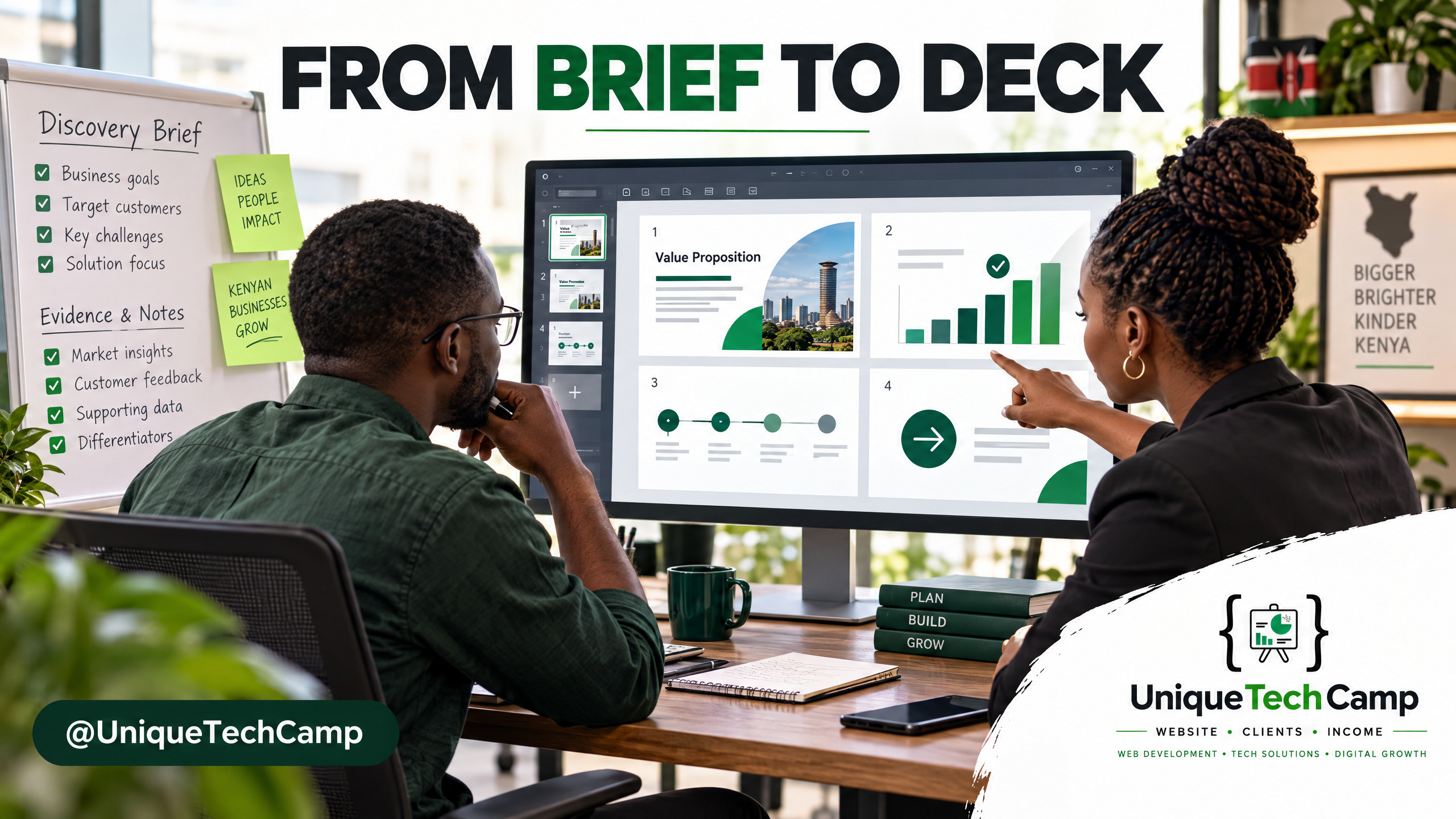
Visual note: The slide interface shown in the cover is a conceptual illustration, not an actual ChatGPT Slides screenshot.
A sales proposal deck is a decision aid: a prospective buyer should see that you understood the problem, what you recommend, what is included, what remains uncertain and what to do next. Small teams often assemble decks from meeting notes, old quotations and copied slides, making each presentation harder to keep consistent and review.
OpenAI says ChatGPT Slides began rolling out on 16 October 2026. The feature is designed to create and revise presentations in a shared workspace, not merely return a text outline. For a Kenyan consultancy, contractor, training provider or technology business, the practical question is how to use that capability without letting a fluent draft invent scope, numbers or proof. The workflow below treats AI as a production assistant and keeps the business owner responsible for the offer.
What changed on 16 October?
OpenAI introduced collaborative slides at DevDay on 29 September 2026 as a forthcoming feature. TechCrunch reported that it was not yet available and expected rollout in the following weeks. OpenAI’s 16 October release note says rollout is beginning. So 16 October marks rollout, not the first announcement. Read the OpenAI release note on ChatGPT Slides alongside the DevDay announcement and TechCrunch’s launch coverage .
According to the release note, users can start from a conversation, files, an outline or an example deck; edit text, images, shapes and charts directly; or ask ChatGPT to make changes. Teammates can edit and comment in real time. On the web they can present or export to PowerPoint, PDF or Google Slides; the desktop app can open the deck in PowerPoint or Keynote if installed. The ChatGPT Slides product page lists Pro, Business and Enterprise plans.
Access is not guaranteed. The release note limits rollout to eligible users with Space access, while the separate Space page still says “coming soon”. Check the relevant account and workspace settings. OpenAI lists no separate Slides add-on price; subscription terms are on the official ChatGPT pricing page . Do not change plans just because a feature page says “available”.
Why a proposal workflow matters more than a clever deck
A deck can be visually tidy and still fail its commercial job. It may describe a service without showing how it addresses this buyer’s situation, use a chart with no traceable source, include an unagreed delivery date or omit the decision the client needs to make. AI can organise material and suggest a narrative. It cannot establish that the offer fits, the estimate is deliverable or a past result applies to this prospect.
Define the presentation’s outcome. Is the buyer approving discovery, choosing between scopes, reviewing a proposal or authorising the next stage? Pick one decision. Otherwise the deck may become a service catalogue that gives the buyer more to process and leaves the salesperson’s next step unclear.
A controlled workflow for one proposal type
Do not begin by asking AI to “make a persuasive proposal”. Start with one repeatable proposal type, such as a website rebuild, an implementation project or a training package. Keep the pilot narrow enough that a salesperson can compare its draft with the team’s existing process. The purpose is to test consistency and review effort, not to promise more wins.
1. Choose the decision and the audience. Write one sentence that names the buyer’s role, the problem they have described and the decision the meeting should reach. A technical lead may need scope and integration detail. An owner may need priorities, trade-offs and a credible next step. If the presentation serves several audiences, make the primary one explicit and flag secondary questions for discussion.
2. Assemble an approved source pack. Give the drafter a current service description, client-approved discovery notes, relevant case studies, verified delivery assumptions, the latest approved price or quotation, and shareable evidence. Separate draft assumptions from confirmed facts. If a figure, timeline, testimonial or capability is missing, mark it unknown rather than filling the gap.
Avoid dumping a whole mailbox or CRM into the workspace. Remove personal details that are not needed for the proposal. Use only a workspace and files approved for the material you intend to share. OpenAI’s Space guidance on access and sharing explains that collaborators can see content placed on a shared page; separate files may retain their own permissions, but copied or summarised material on the page is visible to people who can view it. Treat the deck and its comments as shared business records.
3. Turn discovery into a short brief. Capture the buyer’s current process, named friction, stated effect, constraints, decision participants, timing and unanswered questions. Separate the buyer’s words from your interpretation. For example: “Quote requests arrive by email; response time unmeasured; CRM choice unconfirmed.” Do not turn that into a claim that slow response is costing sales.
4. Ask for an outline before slides. State the audience, decision, source pack, desired length and brand rules. Request an outline and a list of unsupported claims before slide generation. A useful sequence is: buyer’s goal; what the team heard; problem; proposed scope; delivery; evidence; assumptions and exclusions; and next action. Retain only sections that help the buyer decide.
5. Generate within firm boundaries. Ask ChatGPT to use only provided facts, preserve every price and unit, distinguish facts from assumptions, and flag gaps. Request one central idea per slide. If it drafts a chart, name the source table and period, then compare it with the original data. Do not let a prompt turn a target into a forecast or an anecdote into a universal claim.
A reusable instruction could be: “Create a proposal deck for [buyer and decision] from these approved sources only. First give me an outline and a list of unknowns. Do not invent client names, features, results, prices, dates, savings or commitments. Preserve all supplied figures, currencies and units exactly. Label assumptions for review. Cite the source and period for each metric. Use our approved template, one main point per slide, and finish with a specific next step.” Replace the bracketed text with the actual buyer and decision before generating.
6. Edit in passes, with named reviewers. Review the story first. Then ask the delivery lead to verify scope and assumptions, the commercial owner to check price, currency, tax treatment where applicable, milestones and exclusions against the approved quote, and the brand owner to review hierarchy, contrast, imagery and readability. The deal owner approves the final promise. Assign and resolve each comment.
7. Export and inspect the actual file. Check the exported file, not just the editor. Review fonts, images, chart labels, line breaks and links. Open it on a phone as well as a computer. Add alt text where supported and keep the approved source pack with the final version to avoid reusing a superseded quote.
This is also where a business can decide whether it needs a reusable system rather than a one-off prompt. A lead source, qualification checklist, proposal template, CRM record and follow-up task should agree about the same buyer and next step. If your team wants help scoping an AI-assisted intake or follow-up process around that hand-off, UniqueTechCamp’s AI Solutions Desk offers a route to discuss the workflow before real client material is introduced.
Measure the work, not just the slide count
A useful pilot starts with a baseline. For comparable proposals, record the time from approved brief to internally approved deck. Count substantive factual, scope, price and delivery corrections; check required sections and sources; note review rounds and whether the deck was sent when promised. These measures show process control. A shorter draft is not automatically a better proposal.
Use consistent timestamp definitions. For example, start when the approved brief is complete and stop when the deal owner signs off; record external waiting separately so client delays do not distort drafting time. A simple CRM export can include proposal type, lead source, brief-ready time, first-draft time, approval time, correction count, send date, next-step status and eventual outcome.
Define a substantive correction before starting. A typo differs from replacing a wrong feature or price. Track count and severity, and note whether the issue came from the source pack, model output or a reviewer change. This makes the pilot easier to interpret even when deal volume is too small for a meaningful conversion comparison.
Track commercial outcomes separately in the CRM: proposals sent, buyer replies, qualified next steps and later outcomes. Compare similar offers and lead sources. Note changes in price, salesperson or season. Without a suitable comparison, do not credit conversion changes to the deck alone.
Set a stop condition before starting. Pause the pilot if factual corrections rise, the review burden moves to a more senior person, the deck introduces claims no one can substantiate, or staff begin pasting sensitive information into an unapproved workspace. Keep the original workflow available until the team has reviewed enough examples to decide whether the new one is reliable for that proposal type.
The independent evidence is narrow. A 2026 study of AI-generated slides from instructor-authored course notes found differences in accuracy and completeness; students could not reliably identify AI-generated slides in one course setting. It did not study commercial proposals or ChatGPT Slides. A FM Magazine review of AI business presentations describes instruction-following and export problems in another deck tool and says the presenter must own the message and check the data. These sources support testing and review, not a financial-return claim.
Where the feature can fall short
Rollout is still moving. The Help Centre says eligible Pro, Business and Enterprise accounts with Space access are beginning rollout, while the Space page still says “coming soon”. Plan, region, client and workspace controls may affect access. Verify your account before promising a particular collaboration or export path to a client.
AI can organise only the brief and sources it receives. Thin notes or missing exclusions can produce a polished deck built on a false assumption or appear to promise more than the team will deliver. Review claims against sources; keep internal-only evidence out of client versions.
Export is not approval. Inspect the actual file for layout changes, comments or content that should not go to the client. A generated deck does not replace the business’s approved scope and commercial documents.
Finally, a deck does not replace lead qualification, a relevant offer or follow-up. It is one touchpoint in the buyer’s decision process. The sales owner still has to ask whether the opportunity is a good fit, respond to questions and agree the next action. An impressive-looking presentation with no suitable audience or clear follow-up is still an untested sales asset.
Frequently asked questions
Was ChatGPT Slides first launched on 16 October?
No. OpenAI announced collaborative slides at DevDay on 29 September and described them as forthcoming. Its 16 October release note marks the start of a rollout, not the first announcement of the idea. Availability remains staged, so check the account you intend to use.
Which plans can access ChatGPT Slides?
OpenAI’s Slides page lists Pro, Business and Enterprise. The release note qualifies the rollout for eligible users with Space access, and workspace settings can matter. A plan name alone is not proof that the feature is switched on for a particular team.
Is there a separate price for Slides?
OpenAI’s feature and release pages list no separate Slides fee. Access is tied to eligible ChatGPT plans. Confirm current subscription terms and any Business or Enterprise workspace conditions with the administrator; do not infer a local price from a feature announcement.
Can a salesperson use it with a client’s figures and notes?
Only when the business has approved that workspace and material for the intended use. Share the minimum needed, remove irrelevant personal information, confirm who can view the page, and check every figure against its source. Never use an AI-generated chart or claim as the authority for the underlying data.
Conclusion
ChatGPT Slides is worth evaluating as a collaborative drafting and editing workspace, not as an automatic sales closer. The timely change is the October rollout after a September announcement. A sensible first test is one repeatable proposal type, an approved source pack, a written outline, named reviewers and a baseline that records both rework and qualified next steps. Keep human approval over the commercial promise and judge the result from your own records. If access is not yet enabled, the same source-pack and review process still improves ordinary proposal work.
Need this built for your business?
If you own or run a business and want a dependable path from a qualified enquiry to a reviewed proposal and follow-up, UniqueTechCamp’s AI Solutions Desk can help scope the workflow. You can book a consultation to discuss your buyer journey, or review the matching Lead Generation Campaigns service for enquiry capture, CRM routing and qualification. Start with the real hand-off you want to improve, then choose tools around it.
Deploy An Autonomous AI Lead Gen System Today
We engineer high-converting web applications with integrated 24/7 WhatsApp qualification bots and multi-channel follow-up drips.
Related Strategy Articles
Gemini Small-Business Tools: A Safe Growth Pilot for Kenyan SMEs
Google's Gemini business page brings brand, finance and app tools together. A cautious pilot for Kenyan SMEs, with privacy and review checks.
Google Docs Captions and Cross-References for Kenyan SMEs
Use Google Docs captions, cross-references and caption tables to keep Kenyan SME reports and tender documents easier to navigate after edits.

ChatGPT for Sales: A Human-Reviewed CRM Pilot for Kenyan SMEs
OpenAI's new ChatGPT for Sales adds sales workflows. Learn how Kenyan SMEs can pilot CRM connections with human review, privacy checks and clear measures.
UniqueTechCamp Desk
Online • Reply < 5 mins