
Adobe Workfront AI Agents on Issues: A Practical Pilot Checklist
Adobe’s October 2026 Workfront update brings AI Collaborators to issues as well as tasks. Learn how to scope a human-reviewed pilot, verify access and provider terms, measure rework and review privacy before using real business data.
UniqueTechCamp Editorial
Lead Systems Architect • UniqueTechCamp Engineering Unit
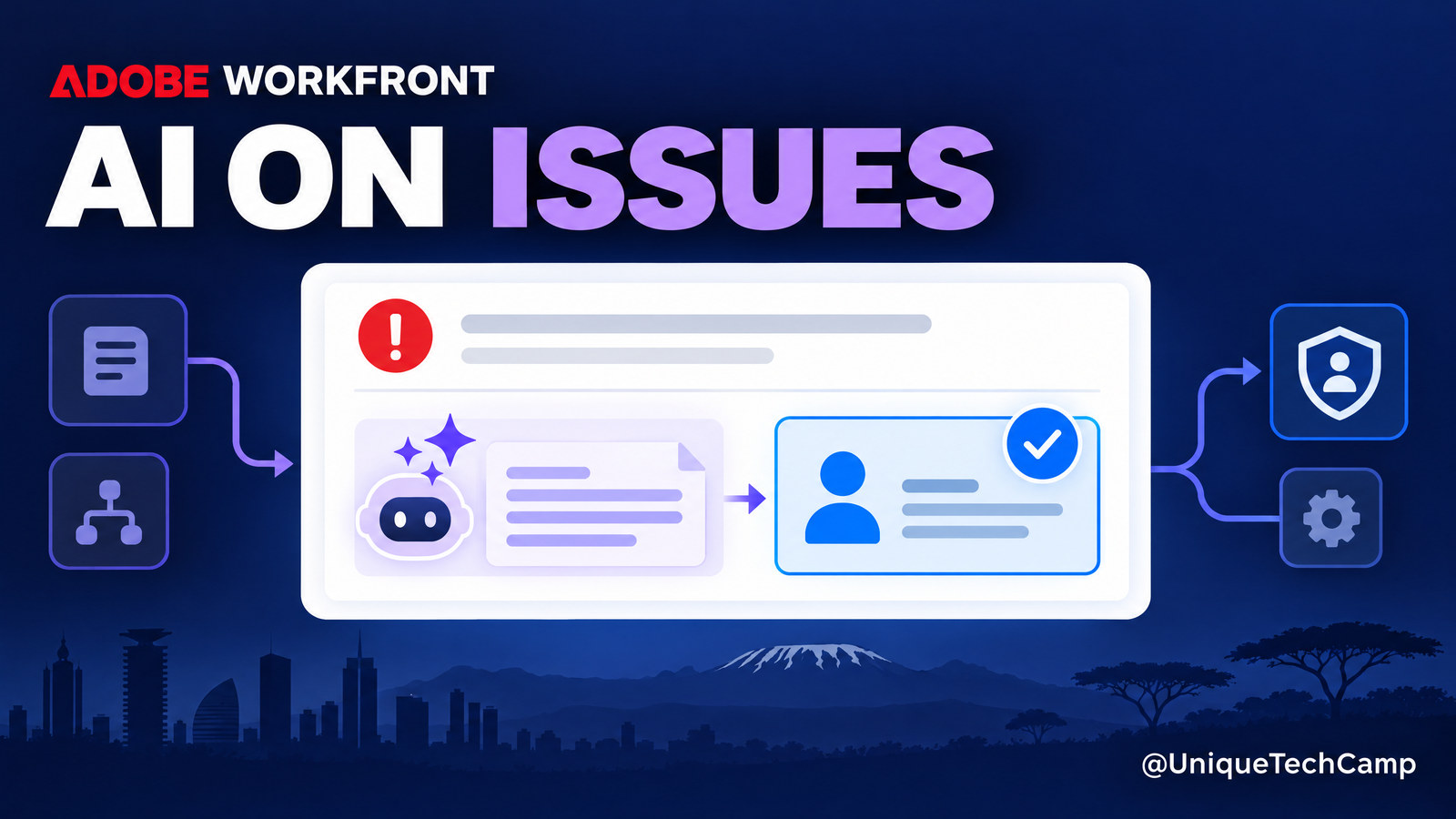
A new request can arrive as an issue rather than a planned task: a client asks for a landing-page change, a campaign brief is missing an approval, or a team spots an unexpected problem. Those loose ends are exactly where hand-offs become hard to track. In its October update, Adobe Workfront expands its AI Collaborators so an agent can work on issues as well as tasks. For a Kenyan business, the useful question is not whether an agent can be assigned; it is whether a narrowly scoped, human-reviewed workflow can reduce a real bottleneck without sending unsuitable information to an external provider.
 expands its AI Collaborators so an agent can work on issues as well as tasks. For a Kenyan business, the useful question is not whether an agent can be assigned; it is whether a narrowly scoped, human-reviewed workflow can reduce a real bottleneck without sending unsuitable information to an external provider.
Adobe’s release notes list the production rollout for everyone as 15 October 2026. The release is a workflow capability, not evidence of a guaranteed faster project, more sales or lower staffing costs. Workfront is positioned as enterprise work-management software, so a small organisation should first ask whether it already has a suitable Workfront process and a recurring issue volume to justify the extra configuration.
What changed in the October Workfront update?
Workfront groups its AI features under AI Collaborators. Adobe’s AI Collaborators overview describes a central registry, Workfront context, role-based access and defined action boundaries; these are vendor-described capabilities, not independent evidence of achieved results. The Fourth Quarter 2026 AI enhancements page lists four updates: teams can work with agents built in supported external platforms; agents can be assigned to issues as well as tasks; attached documents can provide context for a task or issue; and AI updates appear in Workfront’s Updates area in real time. Adobe’s schedule says production availability for everyone begins on 15 October. If the option is not visible in your organisation’s instance, check its release cadence, entitlement and administrator settings rather than assuming the rollout failed.
The distinction between an issue and a task matters. Adobe’s issue guidance describes tasks as planned events and issues as unplanned work; Workfront also uses “issue” and “request” interchangeably in this context. That makes issue assignment potentially useful for first-pass intake, clarification and preparation, not just for routine work already listed on a project plan.
A Work Agent is not a new model supplied automatically by Workfront. Adobe’s Work Agents guide explains that an organisation connects an agent configured in a supported provider and then assigns it like a user. The current guide lists integrations including Copilot Studio, Claude, OpenAI and IBM. The connected agent’s instructions and capabilities are configured in that provider, so Workfront’s assignment control does not by itself prove that the agent’s behaviour is safe or suitable.
Where an issue-based agent could help a business
Consider a digital agency that receives an issue for a client campaign: “Please update the landing page before the promotion starts.” A person still owns the client relationship and the delivery decision. A limited agent might check whether the request includes the page, approved copy, target date and reference assets; compare supplied material with a defined brief; draft a checklist of missing details; or prepare a first-pass change summary in the issue’s update stream. A human then verifies the facts, asks the client any necessary questions and decides whether the work fits the agreed scope.
Other lower-risk candidates might include sorting internal requests into a small set of categories, summarising a long issue thread, drafting a neutral status update or identifying which fields are missing from an intake form. These are examples to test, not claims that every agent can perform them. Adobe’s documentation says the agent’s responsibilities are defined in its own platform, while Workfront provides the work-item context and assignment point.
Do not start with an issue that asks the agent to approve a contract, decide a refund, make a legal interpretation, change a customer’s account, commit a delivery date or send a final message without review. Adobe’s own Work Agents documentation says they cannot be assigned to review or approve a document. A human should remain accountable for decisions that create a contractual, financial, reputational or safety consequence.
A practical pilot: from incoming issue to reviewed draft
- Choose one recurring issue type. Select work that appears often enough to measure, has a clear definition of “complete” and does not require sensitive judgement. A website content-change request or an internal campaign-asset query may be easier to bound than an open-ended client complaint. Write down what the agent may do and what must remain with a person.
- Map the current hand-off. Record where the request starts, who owns it, what information is usually missing, how staff currently ask follow-up questions and what event marks the issue ready for work. Note the current turnaround and rework using your own records; do not invent a baseline from a vendor case study.
- Make the issue form useful. Workfront’s issue documentation recommends a defined process for when and how issues are recorded. Use a short set of fields that staff can actually complete: requester, business goal, affected page or asset, due-date rationale, approved source material, customer-facing impact and escalation contact. Avoid adding personal data just because a form allows it.
- Configure the agent outside Workfront first. Define its single job, permitted sources, output format, refusal behaviour and escalation route in the supported agent platform. Use test material to check how it handles missing instructions, conflicting dates, ambiguous requests and a prompt embedded in an attachment. Keep the first output as a draft or comment for review.
- Give the Work Agent the narrowest practical access. The AI Collaborators configuration guide describes setting an access level and choosing permitted post-run actions, such as sending an update, uploading a document, marking a task complete or writing selected fields. Start with the minimum actions needed; do not enable completion or field changes merely to make a demo look more autonomous.
- Test start conditions and context. The Work Agents guide lists task title, description, update-stream comments, custom-form data and attached documents as task context; the October release notes add document context for issues too. Check exactly what is included in your own issue flow. Test when the agent starts, what happens if a human is already assigned, and how it behaves when the issue is not ready.
- Run a human-reviewed sample. Use a small set of comparable issues, ideally with synthetic or already-approved material first. For each output, check source fidelity, names, dates, scope, missing details, tone and whether the draft includes anything that was not supplied. Save examples of acceptable, corrected and rejected output so the team can improve instructions rather than relying on memory.
In the middle of a pilot, an external workflow review can help separate the business problem from the software choice. UniqueTechCamp’s AI Solutions Desk can be a starting point for mapping who receives an issue, what an agent may see and where a person must take over. That planning conversation is not a substitute for your Workfront administrator, security lead or privacy review.
Measure business value without promising revenue
Pick measures that connect the agent to the work outcome. For an issue-intake pilot, record time from submission to first useful response, the share of issues that arrive with required fields, the number of clarification cycles, time to a human-approved draft, staff correction effort and the age of unresolved issues. If the goal is customer service, also watch complaints, escalations and whether an issue is routed to the correct owner. Keep the definition and observation period consistent.
Compare like with like. A campaign launch week may be busier than an ordinary week; a change in staffing or request form can affect the same metrics. Compare issues of similar type and complexity, show the number of cases behind the result, and record exceptions. Track the provider’s usage charges and staff review time as well as the software licence, then calculate cost per accepted output only from measured inputs. A faster draft is not a business result if a person must rebuild it or the request still waits for approval.
What will it cost?
Adobe does not publish a simple public amount on its current Workfront pricing page ; it names Select, Prime and Ultimate packages and directs buyers to customised pricing. Its page does not state that an AI issue-assignment feature carries a separate price. Ask Adobe or your account team for a written quote that identifies the Workfront package, user licences, included AI features, any add-ons, regional taxes and renewal terms before comparing costs.
Budget separately for the connected provider. Adobe’s Work Agents documentation requires an agent to be configured in a supported platform; the platform may have its own subscription, API usage, limits or support terms. Confirm which organisation pays for model usage, whether a test environment is available and what happens if usage is exhausted. Also allow for administration, staff training, prompt and form design, monitoring, error correction and periodic access review. These costs can outweigh a licence change if the workflow is poorly scoped.
Access requirements deserve a written check too. Adobe’s Work Agents guide lists a Standard Workfront licence and a System Administrator access requirement, while its configuration guide describes System Administrators or, in some cases, Group Administrators. The effective roles and permissions depend on the feature and organisation. Verify current eligibility in your tenant before building the pilot, especially if a business is considering Workfront solely for this capability.
Limitations and safeguards to settle before launch
- Provider and data flow: Workfront connects to an external agent platform. Map whether issue text, comments, custom fields and attachments are passed to that provider, which provider account is used, where processing occurs and what retention or logging applies. Do not assume an Adobe permission setting answers the provider’s data-handling questions.
- Permissions are not a substitute for testing: Adobe describes AI Collaborators as operating within defined Workfront access. That does not guarantee that an agent will interpret a request correctly. Test its actual actions and verify that a human can stop, correct or disable the workflow.
- Issues are not approvals: The Work Agents guide says agents cannot be assigned to review or approve a document. Even where an agent can draft, upload or update a field, reserve client sign-off, contractual acceptance and other consequential decisions for a named person.
- Context can be wrong or incomplete: An old attachment, contradictory comment or outdated brief can produce a confident but unsuitable answer. Define which material is authoritative and make the agent ask for clarification rather than fill gaps with guesses.
- Workfront may be too much platform: If a team handles a few simple requests in a lightweight ticketing tool, adding an enterprise work-management system could create more administration than value. Evaluate the whole workflow, not one feature headline.
For a Kenyan organisation, add a privacy review before any live customer or staff data is shared with an agent. The Data Protection Act sets principles including fairness, transparency, purpose limitation, data minimisation and safeguards. Section 31 addresses a data-protection impact assessment where processing is likely to create high risk. The ODPC’s cross-border transfer guidance discusses safeguards, transfer agreements and documentation. Ask the organisation’s privacy lead or qualified adviser to assess the specific provider, purpose and data; this article is operational guidance, not legal advice.
For a voluntary way to structure the operational review, the NIST AI Risk Management Framework can help a team organise governance, risk identification and measurement. It is voluntary guidance, not a substitute for Kenyan law, a provider contract or a Workfront security review.
Go/no-go checklist
- Purpose: Is there one repeatable issue type with a named business owner?
- Readiness: Are the form, source documents and human escalation route clear?
- Access: Has an administrator confirmed the required package, licence, role and allowed actions?
- Data: Have you mapped what goes to the agent provider and reviewed retention, security and transfer questions?
- Control: Does the agent draft or comment first, with a person approving any client-facing output?
- Measurement: Are the baseline, sample definition, review owner and stop criteria written down?
- Economics: Have you included Workfront, provider usage, setup, review and ongoing administration in the cost comparison?
Frequently asked questions
Can a Work Agent be assigned to an issue now?
Adobe’s Fourth Quarter 2026 release notes say agents can be used on issues as well as tasks and schedule production availability for everyone from 15 October 2026. Check the release status and access in your own Workfront instance before committing to a workflow.
Does Workfront create the AI agent?
No. The Work Agents documentation says an organisation configures an agent in a supported provider, then connects it to Workfront as a collaborator and assigns it to a work item. The provider’s instructions, available tools and operating terms remain part of the implementation.
What does the Workfront AI issue feature cost?
Adobe’s public pricing page directs businesses to customised Workfront pricing and does not show a numerical amount for this feature. Request written confirmation of package, user licence, add-ons and provider usage costs; do not infer a price from a feature announcement.
Can an AI Work Agent approve a client document?
Adobe’s Work Agents guide says Work Agents cannot be assigned to review or approve a document. Keep a named human responsible for approval and use the agent for bounded preparation or drafting only where your controls permit it.
Conclusion
The Workfront update is worth evaluating when a team already manages substantial work in the platform and recurring issues create avoidable triage or drafting effort. Its most sensible first use is a narrow, low-risk issue that can be checked against source material, with limited permissions and a person responsible for every consequential decision. Verify the rollout, license and provider terms; establish a baseline; then judge the pilot by accepted work, rework and risk—not by the presence of an AI agent in a task list.
Need this built for your business?
Business owners and operations leads can start by mapping one real request, its owner, the information needed and the point where a person must decide. The UniqueTechCamp AI Solutions Desk can help scope the workflow; explore the matching Workflow Automation service and book a consultation through the verified appointments page .
Deploy An Autonomous AI Lead Gen System Today
We engineer high-converting web applications with integrated 24/7 WhatsApp qualification bots and multi-channel follow-up drips.
Related Strategy Articles

CrowdStrike AI Kill Switch: SME Team Reviewing an Agent Safety Dashboard
A practical SME playbook for reviewing CrowdStrike’s AI Kill Switch, testing agent containment safely, measuring trade-offs and checking Kenya eligibility.

Microsoft Agent 365 Business Analytics: An SME Readiness and Value-Validation Guide
Microsoft Agent 365 Business Analytics is in Frontier preview. Here is how Kenyan and East African SMEs can validate access, usage cost, value, privacy and readiness before buying licences for a dashboard.

Canva AI Controls: SME Design Review and Human Approval on a Laptop
A practical Canva AI Controls workflow for Kenyan and global SMEs: control settings, human review, asset provenance, measurements, costs and limitations.

UniqueTechCamp Desk
Online • Reply < 5 mins